
Photographers
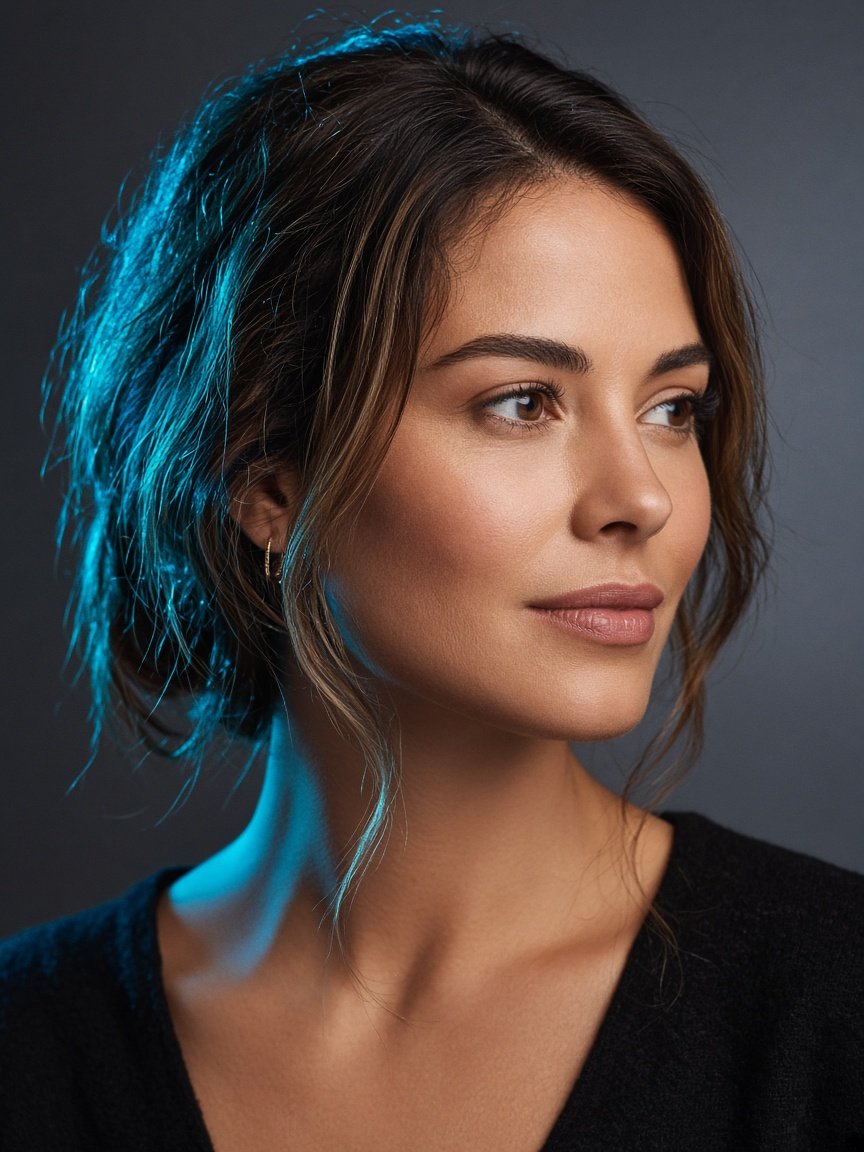
Skin, tone, and selective cleanup so sessions stay true to the shoot.
FRAME · 00
Photo edits that hold up on the web, in the feed, and in the store.
FRAME · 01
Photographers, shop owners, and creative teams who need images cleaned, balanced, and ready to publish — not filtered into someone else’s look.
Skin, tone, and selective cleanup so sessions stay true to the shoot.

Consistent product frames for listings, ads, and seasonal drops.
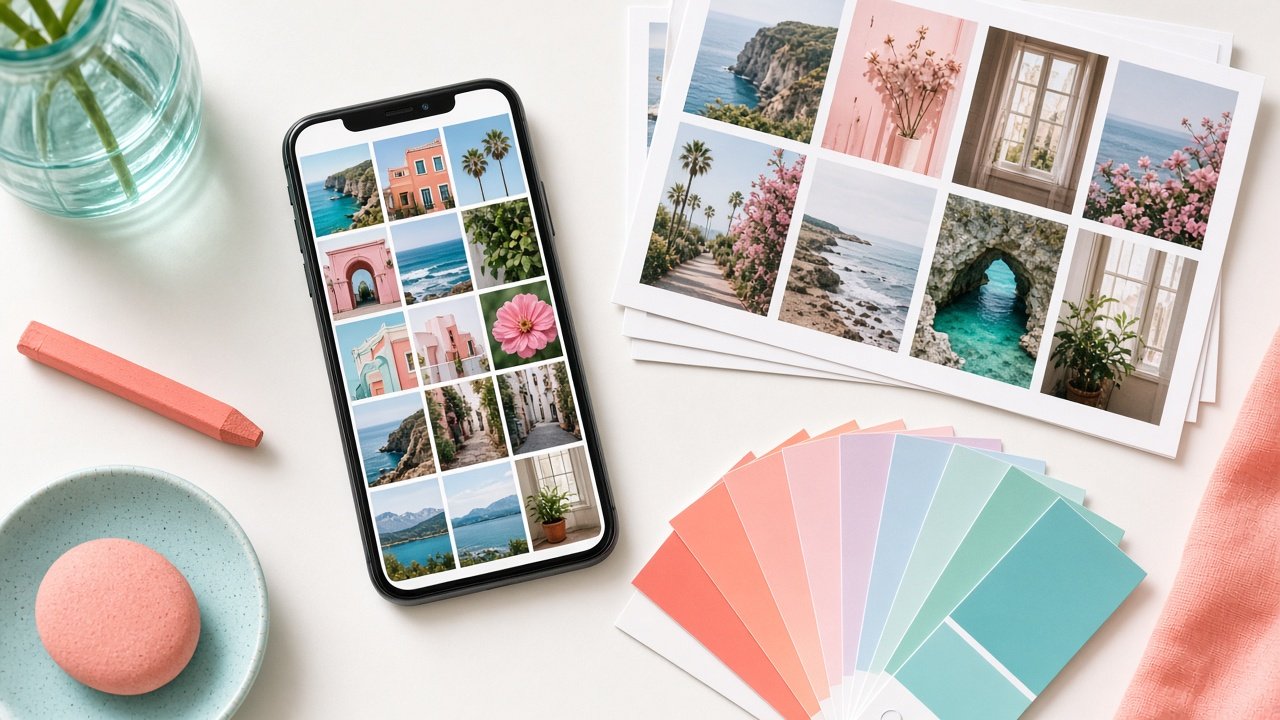
Crop, color, and polish for posts, sites, and campaign decks.
FRAME · 03
Preview how a finish lane feels. Pick a subject, nudge the rails, drag the split — this is a demo, not your final file.
RAW
FRAME · 04
Share use case, count, deadlines, and sample references if you have them.
We match the edit depth to portrait, product, basic, or advanced work.
Use your preferred link (Drive, Dropbox, WeTransfer, or similar).
You get finished files ready for web, social, or storefront upload.
FRAME · 05
Straight answers before you send a batch.
JPEG, PNG, TIFF, and common RAW exports. Tell us your delivery format when you brief the job.
Timing depends on image count and edit depth. Share your deadline in the brief and we’ll confirm before work starts.
Client files are used only to complete the requested edit. See our Privacy Policy for how contact details are handled.
Yes — send reference frames or a short style note. We’ll aim for consistency across the batch.
No. This site takes inquiries. After we confirm scope, you’ll transfer files through a link you already use.
FRAME · 06
Tell us what you’re editing and where the images need to land. We’ll reply with next steps and a transfer preference.